Some tools commonly used for web development
- Code editor – VS code
- Database tool – SQLYog (windows) | Sequel Pro (Mac)
- Web and database server – XAMPP | MAMP (Mac)
- Git client – Sourcetree
- FTP client – Filezilla
Some tools commonly used for web development
To disable ONLY_FULL_GROUP_BY mode you can use the following command
SET GLOBAL sql_mode=(SELECT REPLACE(@@sql_mode,'ONLY_FULL_GROUP_BY',''));Or can update in phpmyadmin by clicking on “Variables” tab and look for sql_mode. Click on Edit to remove ONLY_FULL_GROUP_BY
Rumah untuk dijual Taman Seri Bangi (direct owner)
Kelebihan rumah
Kelebihan Taman
Akses
Berminat atau ada sebarang pertanyaan boleh hubungi
Azwan 012-2815182 (prefer whatsapp)
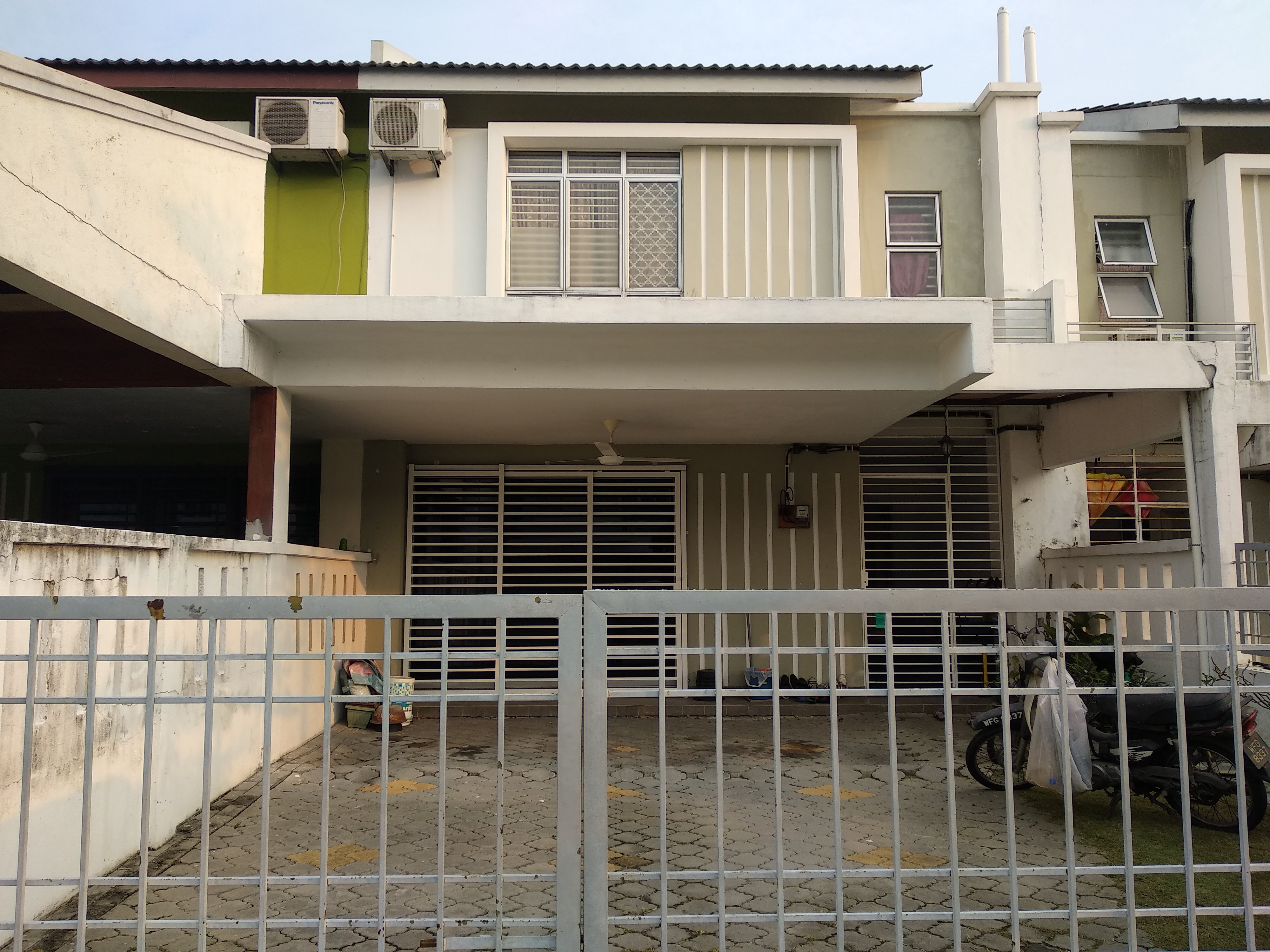


Berminat atau ada sebarang pertanyaan boleh hubungi
Azwan 012-2815182 (prefer whatsapp)
This is common structure for an application folder. Normally found in most projects.
Folder structure varies by build system and programming language. Here are some standard conventions:
src/: “source” files to build and develop the project. This is where the original source files are located, before being compiled into fewer files to dist/, public/ or build/.dist/: “distribution”, the compiled code/library, also named public/ or build/. The files meant for production or public use are usually located here.lib/: external dependencies (when included directly).test/: the project’s tests scripts, mocks, etc.node_modules/: includes libraries and dependencies for JS packages, used by Npm.vendor/: includes libraries and dependencies for PHP packages, used by Composer.bin/: files that get added to your PATH when installed.Markdown/Text Files:
README.md: A help file which addresses setup, tutorials, and documents the project. README.txtis also used.LICENSE.md: any rights given to you regarding the project. LICENSE or LICENSE.txt are variations of the license file name, having the same contents.CONTRIBUTING.md: how to help out with the project. Sometimes this is addressed in the README.md file.Specific
package.json: defines libraries and dependencies for JS packages, used by Npm.package-lock.json: specific version lock for dependencies installed from package.json, used by Npm.composer.json: defines libraries and dependencies for PHP packages, used by Composer.composer.lock: specific version lock for dependencies installed from composer.json, used by Composer.gulpfile.js: used to define functions and tasks to be run with Gulp..travis.yml: config file for the Travis CI environment..gitignore: Specification of the files meant to be ignored by Git.
While I’m researching a suitable front-end framework for my future projects, here I list some relevant references that might help the understanding process.
Long time ago there was jQuery that conquer the world. While vanilla javascript is quite hard to learn and the code is not
https://www.youtube.com/watch?v=WJ2PQe-pQJw
Video show why jQuery no longer relevant and sample jQuery vs Vue code
This is sample query to delete record from multiple tables.
Specify all joined tables to get the list but can specify records in which tables to be deleted.
DELETE t1, t2 FROM t1 INNER JOIN t2 INNER JOIN t3 WHERE t1.id=t2.id AND t2.id=t3.id;
OR
DELETE FROM t1, t2 USING t1 INNER JOIN t2 INNER JOIN t3 WHERE t1.id=t2.id AND t2.id=t3.id;
Reference
https://dev.mysql.com/doc/refman/8.0/en/delete.html (refer section – Multi-Table Deletes)
Got this error while importing csv to table in MySQL database using sequel pro.
This error normally because of extra space in field name that mysql cannot accept.
But sometimes you just can’t find where is the extra space.
One way to solve is add additional column, when import, just ignore the last field and you can import it as usual.
To build a foolproof and super easy to maintain system must be a goal for a system development.
To get to that, it has to have
Asana is a proficient tool to manage tasks in a small team.
Below is the suggested workflow to be followed
I’ve listed out some related to PDF read and search resources down here for my future reference.
Read DOC file